

Appearance
Tell someone on WhatsApp when you email them
Many people check WhatsApp before they check email. When this is switched on for your domain, NitMail webmail can open WhatsApp with a short message already written, so you can let someone know an email is on its way. The message comes from your own WhatsApp. NitMail does not send anything for you.
Only in NitMail webmail
This is part of the NitMail composer. It is available in webmail in your browser and in the NitMail app installed on your phone or computer. It does not appear in Outlook, Thunderbird, Apple Mail, or any other mail app you connect to your mailbox. Those apps keep working exactly as before.
Before you start
- Your domain must have it switched on. If you do not see Also tell them on WhatsApp below the message box, it is not switched on yet. Ask your domain administrator, or contact support. Domain administrators can find the steps in Switch on the WhatsApp reminder.
- You need WhatsApp on the device you are using. On a phone, NitMail opens the WhatsApp app. On a computer, it opens WhatsApp Web or the WhatsApp desktop app, where you may need to sign in the first time.
Send an email and tell them on WhatsApp
Write your message as usual and enter the recipient. NitMail uses the first address in To for the WhatsApp message.
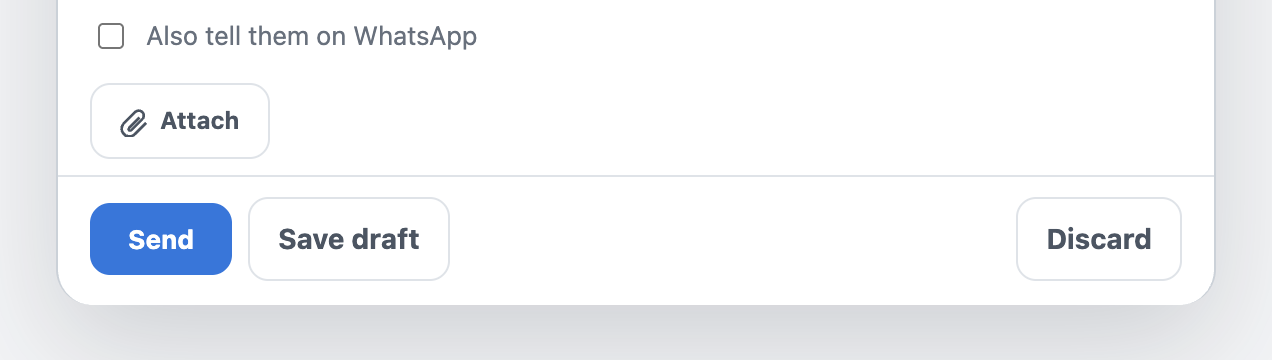
Tick Also tell them on WhatsApp below the message box.
Check the country and the number. If the number is already on the person's contact, NitMail fills it in. Otherwise, type it.
Read the WhatsApp message. Edit it if you like. If you leave it as it is, NitMail writes a short message that uses the person's first name, the subject of your email, and your name.
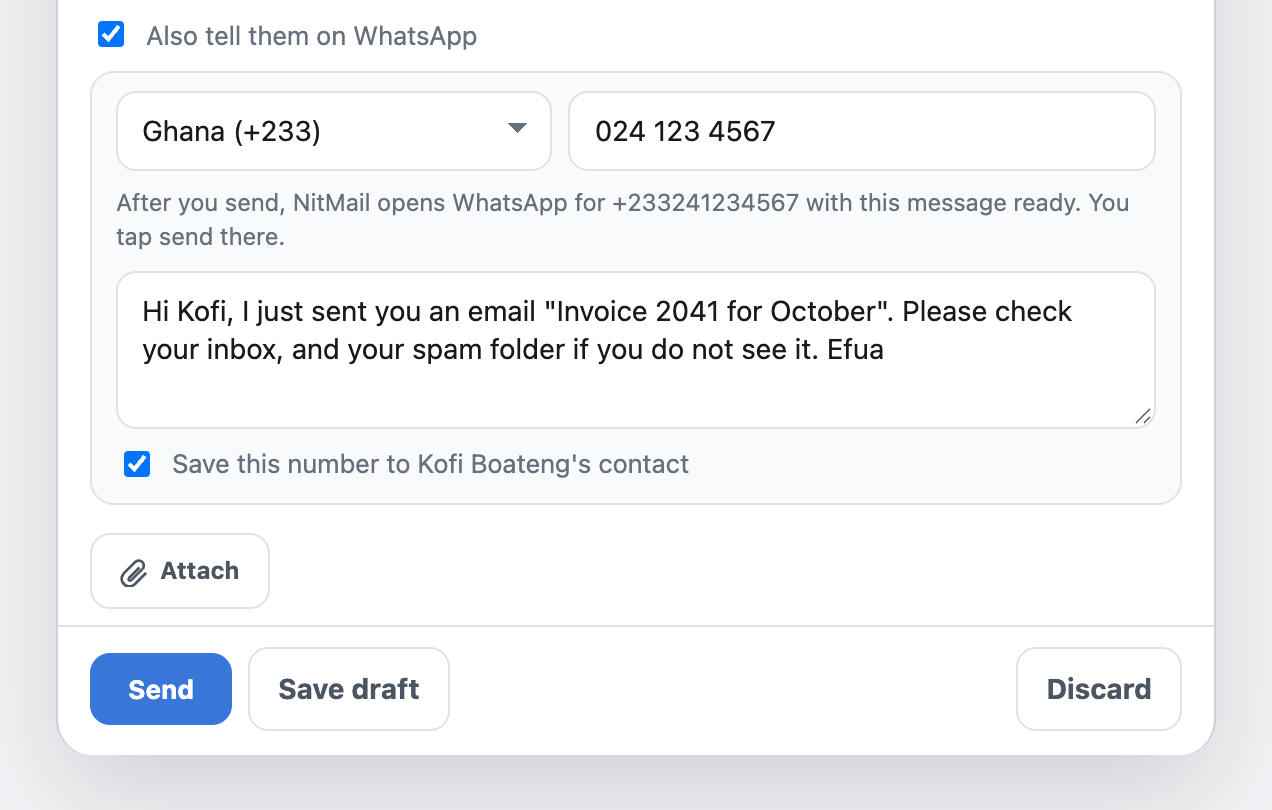
Send the email as usual.
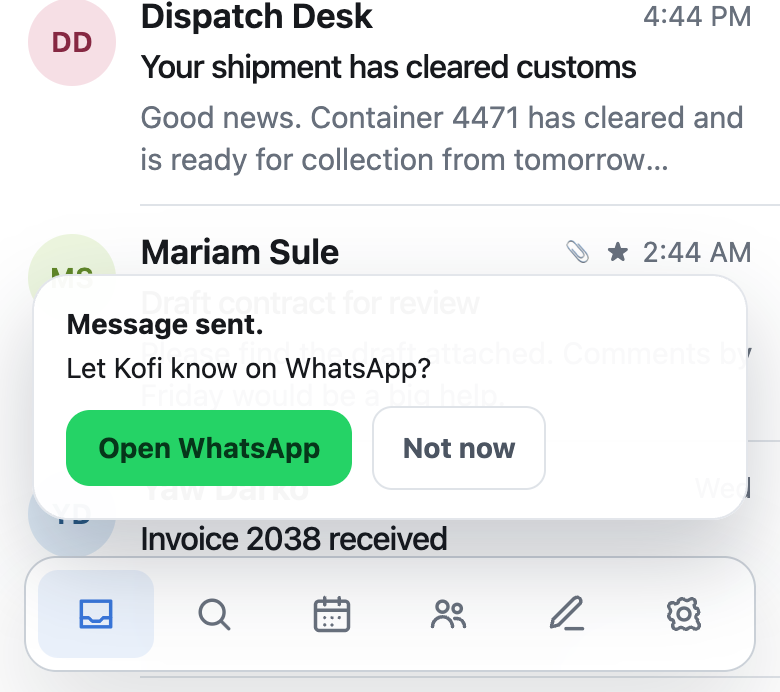
When Let … know on WhatsApp? appears, choose Open WhatsApp. WhatsApp opens in a new tab or window with your message ready. Check it, then tap send in WhatsApp.
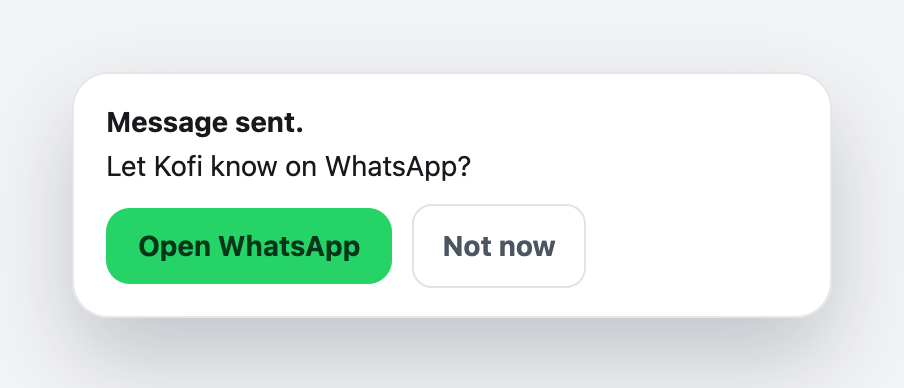
Choose Not now if you do not want to send a WhatsApp message. The email has already been sent either way. If you ignore the prompt, it goes away after about a minute.
On your phone
The steps are the same. The WhatsApp fields sit below the message, and the prompt appears above the navigation bar once your email has been sent.
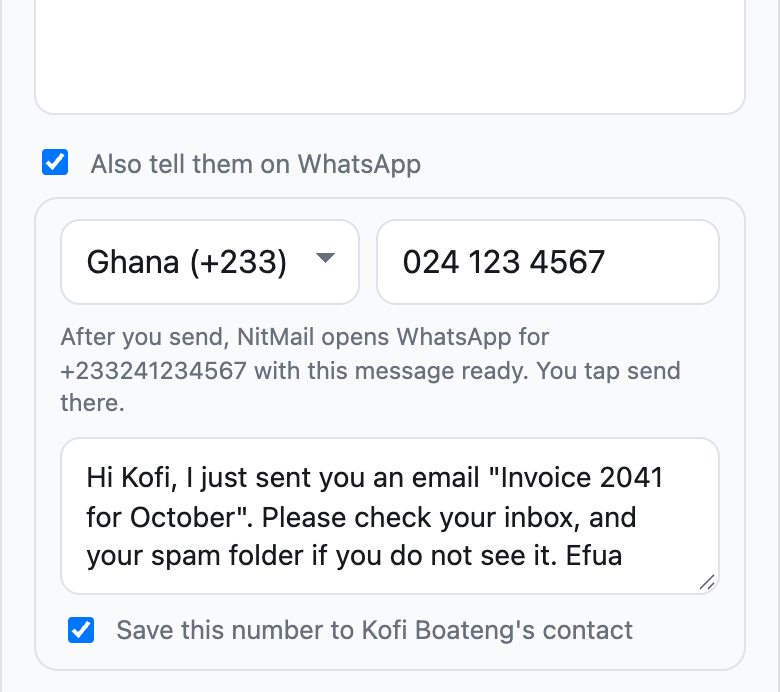
Choose the country
Ghana (+233) is selected until you change it. You can write to a number in any country.
Type the number with its country code. A number that starts with + or 00 already says which country it is in, so NitMail uses it as it is, whichever country is selected. For example,
+86 138 0013 8000is a number in China.Or choose the country. Select the country field and type part of its name or its calling code, such as
chior+86, then choose it from the list. Every country is listed.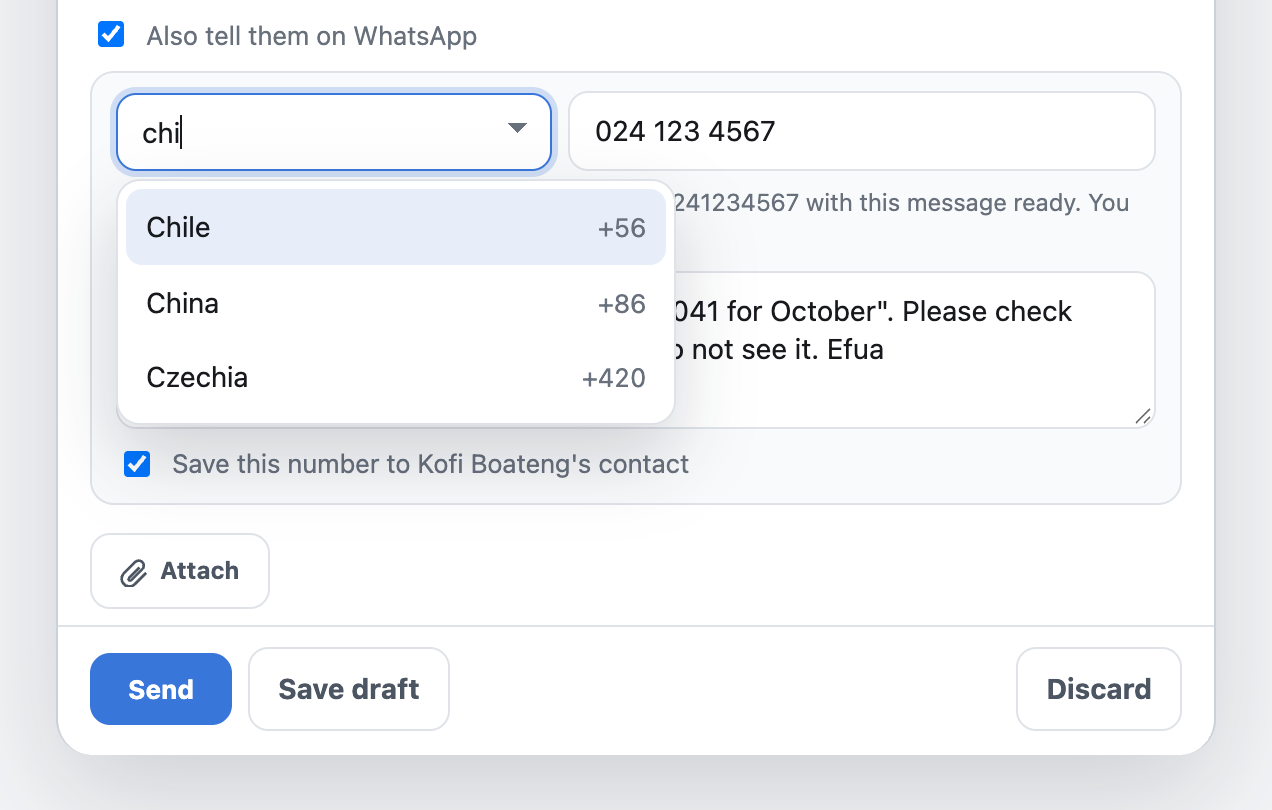
NitMail reads the number you type against the country you chose:
| You type | Country chosen | NitMail uses |
|---|---|---|
024 123 4567 | Ghana (+233) | +233 24 123 4567. The leading 0 is replaced by the country code. |
138 0013 8000 | China (+86) | +86 138 0013 8000 |
+86 138 0013 8000 | Any | +86 138 0013 8000 |
0086 138 0013 8000 | Any | +86 138 0013 8000 |
The line under the number always shows the full number WhatsApp will open, such as +8613800138000. Check it before you send. If the country code is wrong, choose the right country or type the number with +.
The country you choose applies to that message only. Writing to someone in China does not change how your next Ghana number is read. If most of the people you write to are in another country, choose it and then select Use … for all my numbers to make it your usual country.
Save the number to the contact
When you type a number that is not already saved, Save this number to … contact is ticked. After the email is sent, NitMail adds the number to that person's contact, and creates the contact if you do not have one for them yet. Next time, NitMail fills the number in for you. Untick the box if you do not want it saved. The number is stored in international format, such as +233241234567. See Contacts and calendars.
What NitMail does and does not do
- NitMail opens your WhatsApp with the message ready. Nothing is sent until you tap send in WhatsApp.
- The message comes from your own WhatsApp number, so the person receives it from a number they already know.
- NitMail does not send WhatsApp messages for you, and it cannot see your WhatsApp conversations or contacts.
- NitMail does not charge extra for it. Normal WhatsApp and data use applies.
If the number cannot be used
NitMail checks the number before it sends your email. If it does not look like a phone number, the email is not sent and you are asked to enter the number with its country code, or to untick Also tell them on WhatsApp. Correct the number, or choose the right country, and send again.
If you open the composer in its own window
Using Open in new window takes your WhatsApp choice with the message, including the number and the text. The prompt appears in that window after you send. The window closes once you choose Open WhatsApp or Not now.
If something is not working, see Troubleshooting.